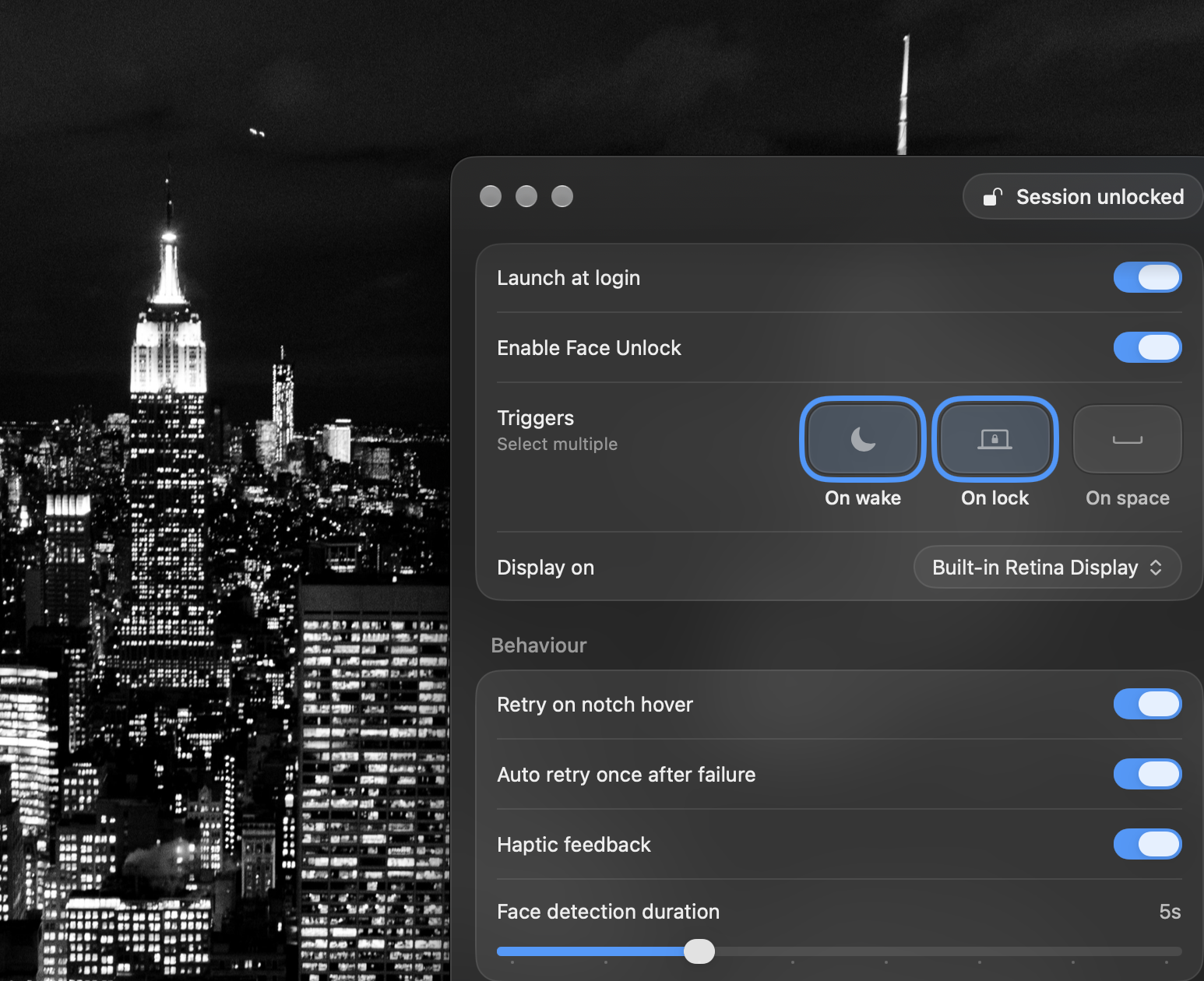

Your face.
Your Mac.
Mac.
Face ID for Mac
A simple, private way to unlock your Mac using your face. Built to feel like it belongs on macOS.
The world’s first Face ID for Mac
 Before Apple brought Face ID to Mac, we imagined what it could be.
We built a seamless way to unlock your Mac with just a look.
 FaceAuth is designed to recognize you and unlock your Mac in about the same time as Touch ID. Just look at your screen, and you're ready to get back to what you were doing.
With the convenience
and design of your iPhone
and design of your iPhone
Expanded
Haptic feedback
Beautiful animations
Instant unlocks
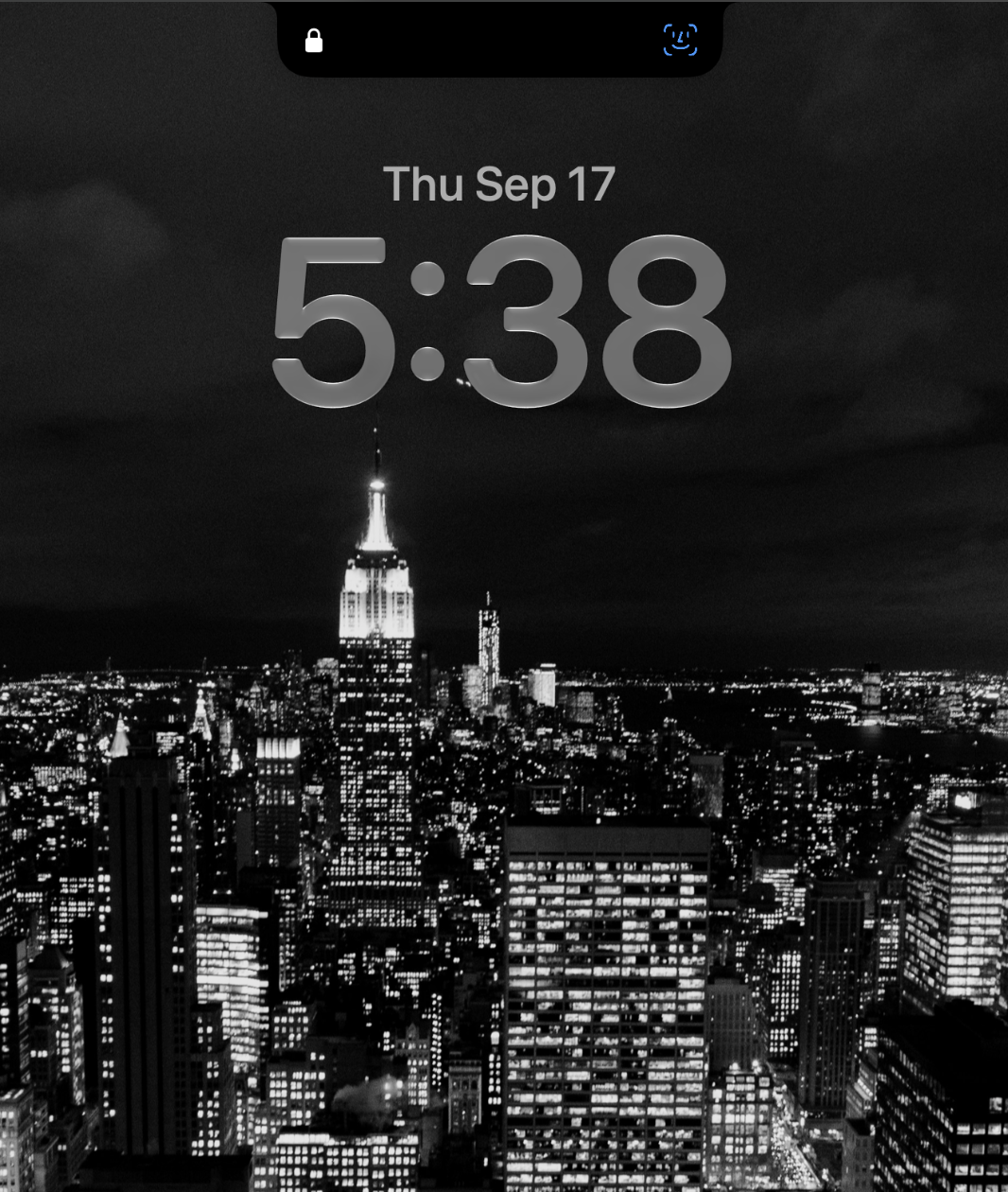
Lock screen ready
Works fluidly on your lock screen with full dynamic island interactions
Native
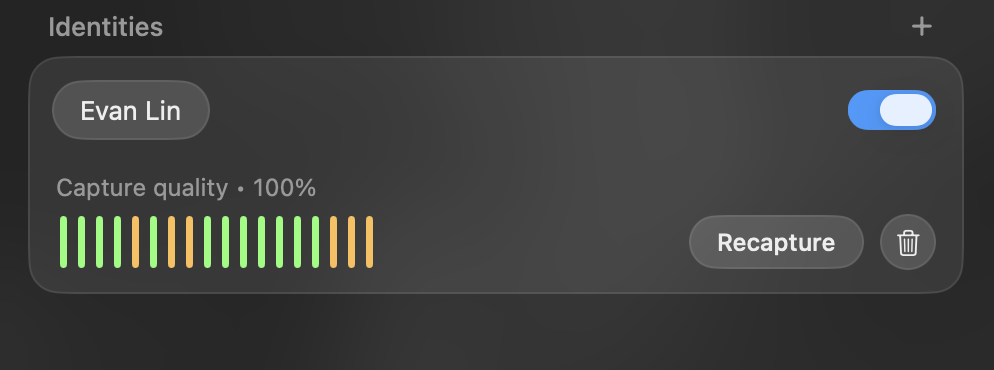
Identities
Enroll separate identities to use Face ID with multiple people, accessories (ex. glasses), facial expressions, or new lighting environments.
Each enrolled face can be individually switched off from recognition without deleting it.
FaceAuth, at a glance
A more natural way to unlock.
01
Just look.
FaceAuth uses your Mac's camera to recognize your enrolled face and begin the unlock process automatically.
02
Fast enough to feel instant.
Designed for a quick, seamless experience, so unlocking feels natural instead of interrupting your workflow.
03
Your face stays yours.
FaceAuth is designed to keep face-recognition processing on your Mac, helping keep your biometric data closer to you.
04
More than one face.
Enroll multiple identities, making it possible for FaceAuth to recognize more than one authorized person.
05
When it doesn't recognize you.
FaceAuth doesn't replace your password. If recognition doesn't work, you can still use your normal Mac password to unlock.
Your face. Your Mac. Your privacy.
 Security starts with you
FaceAuth processes your face securely on your Mac, keeping recognition close to your device.
 Private by design
Your face doesn't need to leave your Mac. FaceAuth is designed to keep your personal information where it belongs — with you.
 Liveness Detection
FaceAuth checks that you're actually there — helping distinguish a real person from a photo or video before unlocking your Mac.
 Local Processing
FaceAuth is designed to process face recognition locally, keeping your biometric information close to you instead of sending it to the cloud.
Software Requirements
System requirements
- macOS 15 Sequoia or later
- Apple silicon or Intel Mac
- Built-in or external camera
- FaceAuth app installed
- Not available for Windows. FaceAuth is built exclusively for Mac.
Ready to unlock with a look?
Download FaceAuth for Mac
DownloadSupport
Need help?
If you're experiencing any issues with FaceAuth or have questions about the app, we'll do our best to help.

Contact Support
- Email: faceauthappsupport@gmail.com